
Lo que conviene saber sobre el mundo de Squarespace.
Para diseñadores, desarrolladores y personas que crean negocios en torno a Squarespace.
El mejor plugin de reseñas de productos para Squarespace
Generar confianza y ofrecer pruebas sociales es fundamental para cualquier negocio de comercio electrónico que quiera impulsar sus ventas y conversiones. Por eso es tan importante contar con un sistema sólido de reseñas de productos. A lo largo de los años, he probado varios plugins y widgets de reseñas para mi página web de Squarespace, y hay una aplicación que destaca por encima del resto: Wiremo.

¿Qué es Wiremo?
Wiremo es una aplicación especializada en reseñas de productos diseñada específicamente para las páginas web de Squarespace. Ofrece una integración perfecta con la plataforma, lo que te permite recopilar, gestionar y mostrar fácilmente las reseñas de los clientes en las páginas de tus productos. Pero lo que distingue a Wiremo son sus potentes funciones de automatización y sus opciones de personalización.
Las desventajas de Yotpo
Antes de descubrir Wiremo, utilizaba Yotpo, un popular widget de reseñas. Aunque Yotpo ofrece algunas funciones estupendas, su mayor limitación para mí era la imposibilidad de automatizar por completo las solicitudes de reseñas. Incluso creé una integración personalizada para añadir el widget de Yotpo a todas mis páginas de productos, pero el esfuerzo manual que requería solicitar reseñas resultaba simplemente demasiado laborioso e ineficaz.
Solicitudes de revisión automatizadas: ahora más fáciles que nunca
Una de las características más destacadas de Wiremo es su sistema automatizado de solicitud de valoraciones. Con solo unos clics, puedes configurar un proceso totalmente automatizado para solicitar valoraciones a los clientes una vez que se hayan completado sus pedidos. Así es como funciona:
Selecciona el número de días tras la compra en los que deseas enviar la solicitud de valoración inicial.
Establece el intervalo entre los correos electrónicos que se envían a los clientes que han comprado varios productos.
Selecciona el número máximo de solicitudes de reseñas automáticas para compras múltiples.
Indica el número de recordatorios que quieres enviar si el cliente no responde.
Al automatizar este proceso, podrás recopilar constantemente opiniones recientes sin necesidad de realizar ninguna tarea manual, lo que se traduce en un flujo constante de pruebas sociales para tus productos.
Opciones de diseño y personalización
Pero Wiremo no se limita a la automatización. La aplicación también ofrece una amplia gama de opciones de diseño y personalización, lo que te permite integrar a la perfección los widgets de reseñas con la imagen de marca y la estética de tu sitio web de Squarespace. Puedes ajustar los estilos, los colores y los diseños para crear una apariencia coherente.
Aquí tienes un ejemplo de cómo se ve el widget de reseñas de Wiremo en una de nuestras páginas de productos:

Como puedes ver, las reseñas se integran a la perfección en el diseño de nuestra web, lo que ofrece a los clientes una experiencia natural y atractiva.
Precios y relación calidad-precio
Wiremo ofrece planes de precios flexibles que se adaptan a empresas de todos los tamaños, con opciones tanto de suscripción mensual como anual. Teniendo en cuenta el tiempo y el esfuerzo que permite ahorrar, así como el impacto potencial en las conversiones y las ventas, Wiremo es una inversión que merece la pena para cualquier propietario de una tienda de Squarespace.
Conclusión
Tras probar varias soluciones para gestionar reseñas de productos, Wiremo destaca como la opción ganadora indiscutible para los usuarios de Squarespace. Su sistema automatizado de solicitud de reseñas, sus opciones de personalización del diseño y su integración perfecta lo convierten en la mejor opción para recopilar y mostrar de forma eficaz las reseñas de los clientes. Si quieres generar confianza, ofrecer pruebas sociales y, en última instancia, impulsar las ventas, prueba Wiremo: tus clientes (y tus resultados financieros) te lo agradecerán.
¿Buscas más complementos para Squarespace?










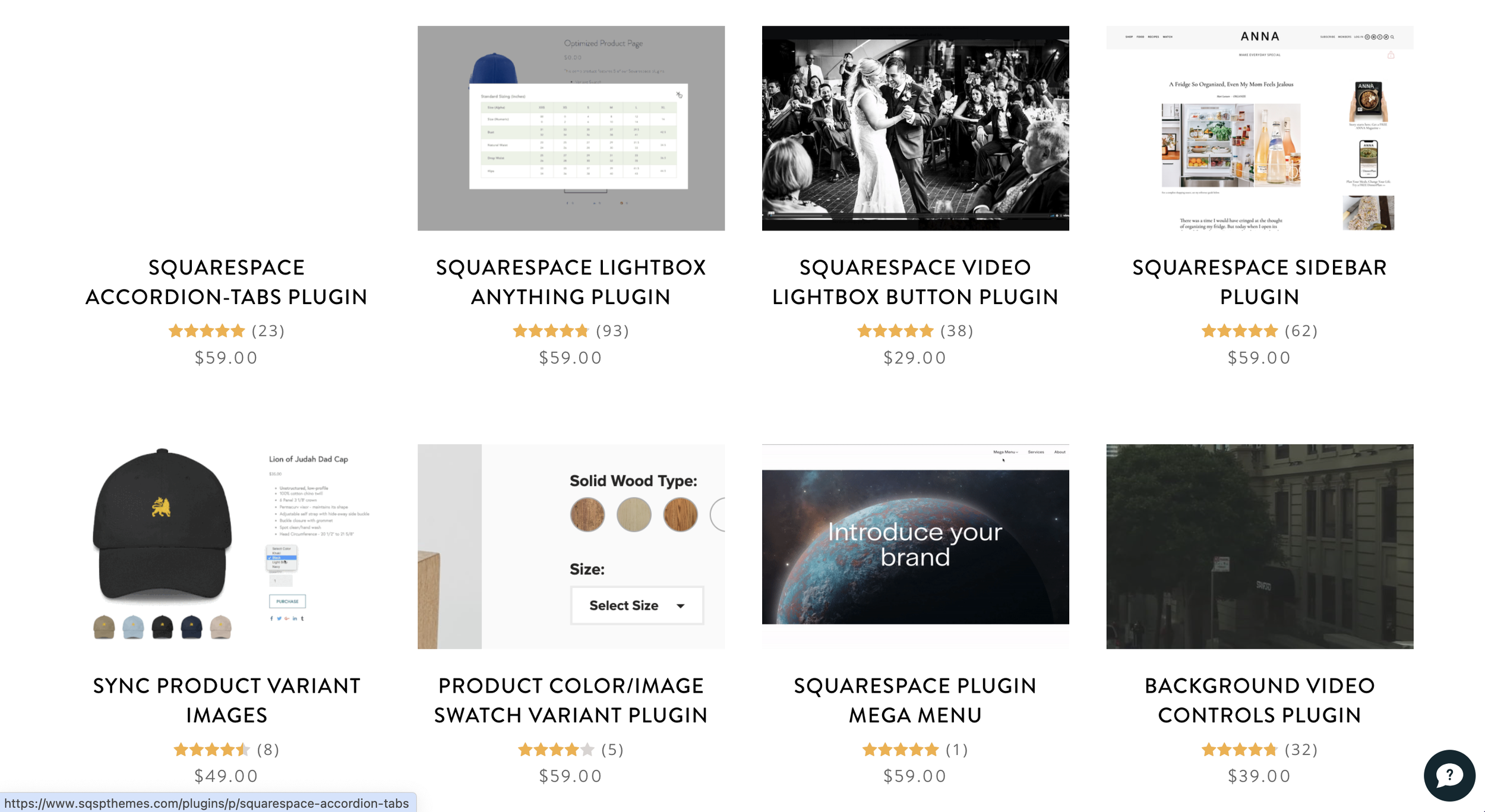
Los 15 mejores complementos de galería de Squarespace para fotógrafos
Squarespace is an excellent website platform for photographers. The templates are great and the platform is easy to use without any additional plugins. But that’s not why we’re here. These are some of the most popular Squarespace plugins for photographers.
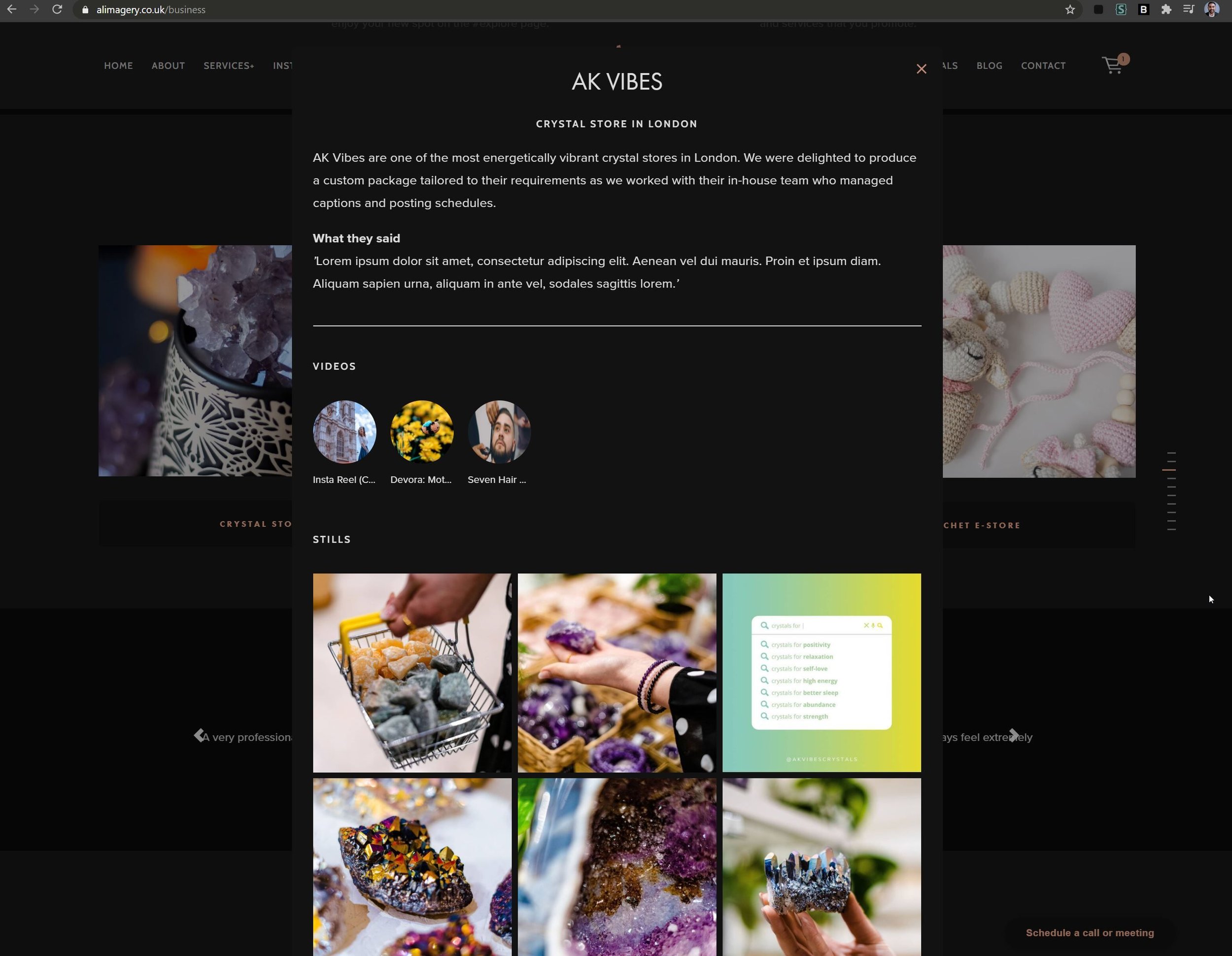
The Lightbox Anything Plugin transforms how you showcase your photography on Squarespace. Create stunning lightbox galleries for easy image browsing, pop up client size charts for seamless product sales, or even embed behind-the-scenes videos right on your portfolio page. With options to customize appearance, organize images, and replace default lightboxes, your website will feel polished and professional. Its user-friendly setup, rave reviews, and $59 price point make the Lightbox Anything Plugin a smart investment for photographers seeking a more dynamic Squarespace experience.
Price: $59

Fight portfolio fatigue with this easy-to-use plugin! Add a dynamic touch to your Squarespace galleries, with images automatically shuffling every time a visitor loads the page. This keeps your best work feeling fresh and engaging, ideal for photographers who regularly update their website. You can customize exactly which galleries randomize, control the initial display, and you can try it out here or here by refreshing the page.
Price: $19

Transform your Squarespace galleries from standard grids to captivating masonry layouts! Ideal for photographers with a diverse portfolio, this plugin creates a dynamic, artistic feel that keeps visitors engaged. Showcase a variety of image sizes and orientations without sacrificing a clean aesthetic. Control which galleries have the masonry style, and get peace of mind knowing our support team is ready to help you achieve the perfect look.
Price: $19
Give your Squarespace galleries an extra touch of professionalism! This subtle image counter lets visitors instantly know the extent of your work, encouraging further exploration. Easily customize its appearance to perfectly match your brand aesthetic. With seamless compatibility and quick setup, it's an effortless way to enhance the user experience on your photography website.

Simplify gallery navigation with sleek dot indicators, offering a visually appealing and user-friendly way to explore images.
Características:
Effortlessly integrate dot navigation into gallery blocks and gallery sections (except list/auto layout sections).
Customize navigation dots with our CSS generator to fit your design.
Works flawlessly across all Squarespace templates.
Installation is straightforward, and you're backed by our top-notch support.
See a demo here

Transform your Squarespace carousels, lists, blog posts, slideshows, and galleries with the Spark Plugin's extensive customization options. Achieve the perfect look for your website with:
Unique Visual Styles: Choose from design-forward options like inset, card, or glassmorphism to make your content stand out.
Image Enhancements: Experiment with diverse image styles, hover effects, clickable indicators, and animated shapes to add visual interest.
Interactive Elements Create a dynamic user experience with hover reveals for text and images, encouraging deeper engagement.
Refined Galleries: Elevate your image displays with pre-designed gallery styles.

Give your Squarespace photography website powerful search and filtering options! Help visitors effortlessly find the exact types of images they're looking for, whether it's by category, tag, or even specific keywords. This plugin works seamlessly with your existing galleries, blog posts, and even product pages (perfect for photographers who sell prints). Easy to set up and customize, it elevates your site's navigation and keeps visitors engaged with your work.
Price: $70

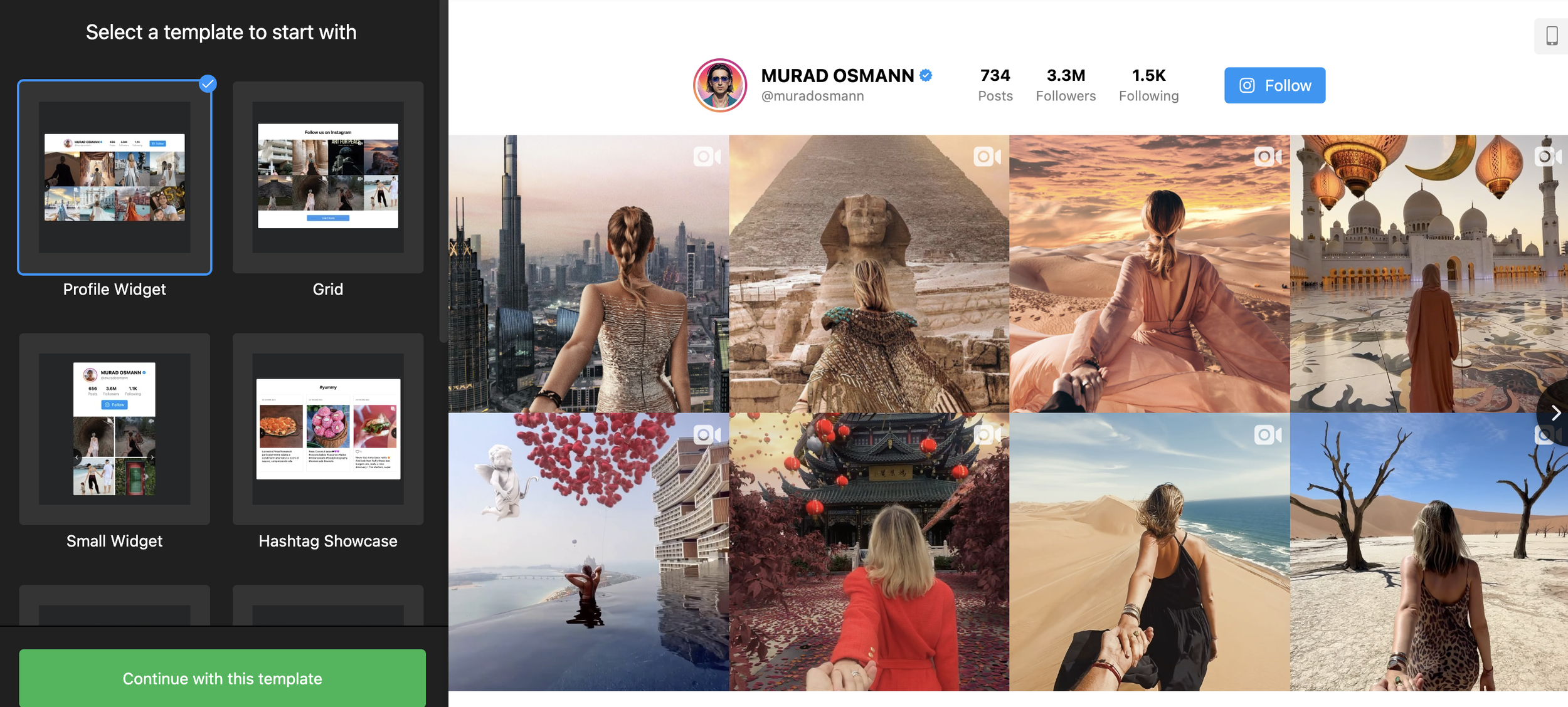
Embed your Instagram feed to:
Expand your portfolio beyond curated website images, showcasing your latest work and creative process.
Build trust with potential clients through social proof (likes, comments, follower count).
Convert website visitors into Instagram followers, increasing your reach and booking potential.

Elfsight widget will help any type of business but works well for photographer because it allows you to showcae your images in ways you otherwise couldn’t.

A simple portfolio widget with different customization options from Elfsight.

This plugin lets you showcase your blog posts in a unique and engaging way. Perfect for photographers who want to:
Share Behind-the-Scenes Insights: Pair stunning images with the stories behind your shoots.
Create Client Case Studies: Walk potential clients through your process, from concept to final image.
Build Community: Expand on blog posts with additional resources, tutorials, or even client testimonials.
Price: $20

Let your Squarespace background images speak volumes! With this plugin, you can easily add captivating captions that enhance your visual storytelling. Perfect for photographers seeking to:
Elevate Portfolio Pages: Provide titles, locations, or creative inspiration behind your most striking work.
Infuse Branding: Use captions to reinforce your signature style (moody, minimalist, vibrant, etc.)
Offer a Gallery-Like Experience: Guide visitors through a curated selection of background images.
Price: $20

Showcase the intricate details of your photography with this seamless image zoom plugin. Give visitors an immersive experience, letting them explore the textures, compositions, and nuances of your work. Ideal for photographers specializing in:
Product Photography: Highlight craftsmanship and materials for e-commerce success.
Macro or Detail Shots: Draw viewers into the hidden beauty of your images.
Fine Art Photography: Allow potential buyers to appreciate the full artistry of your prints.
Price: $20
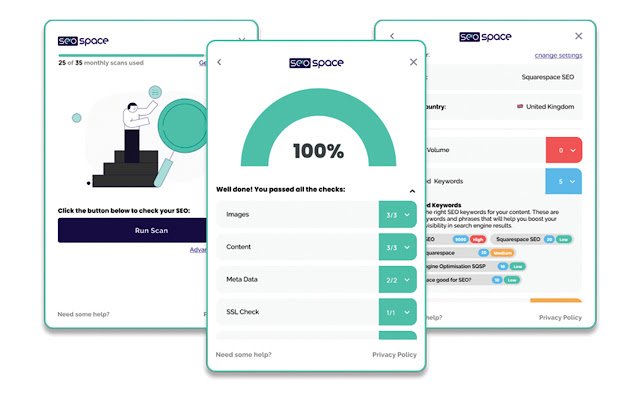
SEOSpace takes the guesswork out of Squarespace SEO. With its intuitive checklist, site-wide audits, and expert guidance, you'll transform your website into a powerful client magnet. Trusted by thousands of creatives, SEOSpace offers the tools to:
Showcase Your Best Work: Optimize image titles, alt text, and metadata to ensure your photos appear prominently in search results.
Enhance Client Experience: Improve site speed, navigation, and mobile responsiveness – factors Google prioritizes and potential clients expect.
Boost Local Visibility: Tailor SEO strategies to attract clients in your area, ideal for location-based photographers.
Save Time and Gain Confidence: No more endless SEO tutorials. SEOSpace provides clear instructions and support tailored to photographers' needs.
15. Before and After Image Slider
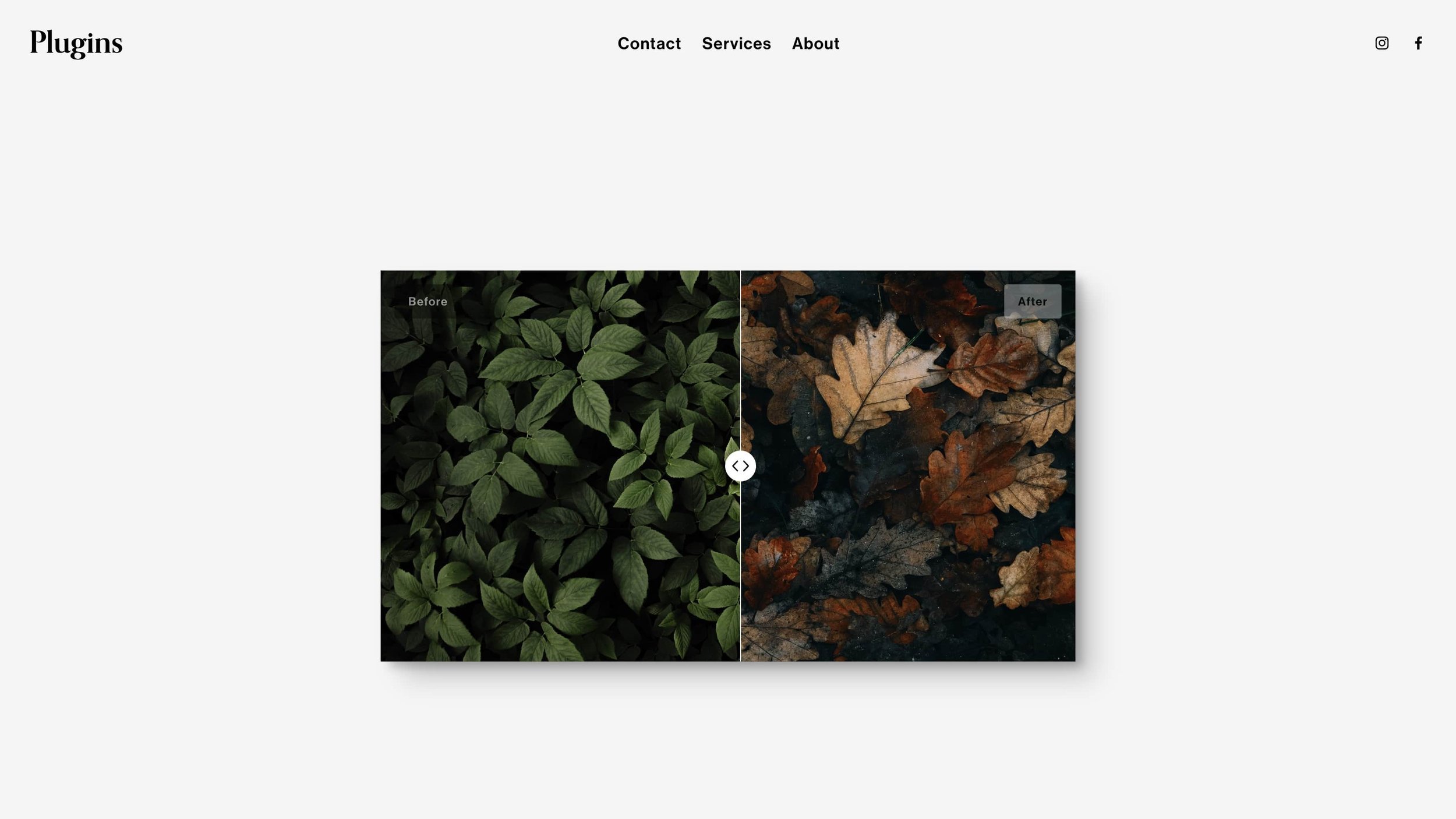
Showcase the transformative power of your photography with this easy-to-use before & after slider! Perfect for retouchers, portrait photographers, or anyone highlighting dramatic changes. Design the slider to seamlessly match your website's aesthetic, creating a polished and professional presentation of your work. No coding needed – let your images speak for themselves!
Price: $20

Cómo añadir un widget de ChatGPT a tu sitio web de Squarespace utilizando MyAskAI
Since the advent of ChatGPT I’ve been using their API along with other APIs to chat with my own data. Along the way I’ve had an eye out for tool that could do it for me. One such tool is MyAskAI, a chatbot that uses GPT-style language models to offer instant and precise responses. In this guide, we'll explore how to integrate MyAskAI into your Squarespace site.
Primary use case
In a world where consumers are accustomed to immediate responses, the typical email response time of 12-24 hours is no longer acceptable. Customers want their questions answered instantly, whether they're shopping online at midnight or browsing your services during their lunch break. Moreover, they expect accurate and personalized responses, not generic, automated replies.
The Solution: MyAskAI, Your AI-Powered Customer Service Representative
Enter MyAskAI, an AI-powered chatbot that uses GPT-style language models to understand and respond to user queries accurately. It can be integrated into your website to answer frequently asked questions, guide customers through your offerings, or even help with troubleshooting. The best part? It's available 24/7, ensuring that your customers always have access to immediate support, thereby improving their experience and your brand image.
Integrating MyAskAI into Your Squarespace Site
Step 1: Access your Squarespace site editor and navigate to the area where you want to add the MyAskAI chatbot.
Step 2: Click the "+" button to add a new element and select "Code" from the available options.
Step 3: In the Code Block settings, enable HTML and leave the script option unchecked.
Step 4: Navigate to www.myaskai.com and create your chatbot. Once created, click on "Embed/Integrate" then “Add AskAI to your website” and choose whether you want to embed it within the page or as a ‘chat’ widget. Click "Copy" to copy the embed code.
Step 5: Return to your Squarespace site's code block, delete any placeholder text, and paste the copied MyAskAI code. Click "Preview" and "Save" to see how it will appear on your site.
Step 6: Save your changes in the Squarespace site editor and publish your site.
With MyAskAI integrated into your Squarespace site, you can now provide your customers with instant, accurate responses to their queries, enhancing their experience and increasing their satisfaction. This not only improves your customer service but also frees up your team to focus on more complex tasks, making MyAskAI a win-win solution for your business.
Integrating MyAskAI into your Squarespace site is a strategic move towards enhancing user experience and streamlining customer service. It's a simple yet effective step that can significantly impact your business's success in the digital landscape.
✅ Compatible con Squarespace 7.0 y 7.1 • ✅ Compatible con todas las plantillas • ✅ Adaptado a dispositivos móviles
⚠️ Requiere el plan Business de Squarespace o superior para disfrutar de todas las funciones.
💡 Los usuarios del Plan Personal pueden utilizar el método alternativo de Markdown. Consulta las preguntas frecuentes más abajo.
Añadir una ventana emergente tipo «Lightbox» a Squarespace
Lightbox Anything te permite abrir contenido personalizado en una ventana emergente a partir de botones, imágenes, enlaces de texto, galerías y mucho más.
Úsalo para formularios, vídeos, biografías del equipo, detalles de productos, portafolios, promociones, contenido restringido, ventas adicionales, galerías y secciones de página personalizadas, sin necesidad de redirigir a los visitantes a otra página.
Haz clic aquí para ver la demostración →
¿Quieres ver primero el proceso de configuración?
▶️ Haz clic aquí para ver el vídeo de configuración